
Plan clearly. Track progress. Focus on what matters.
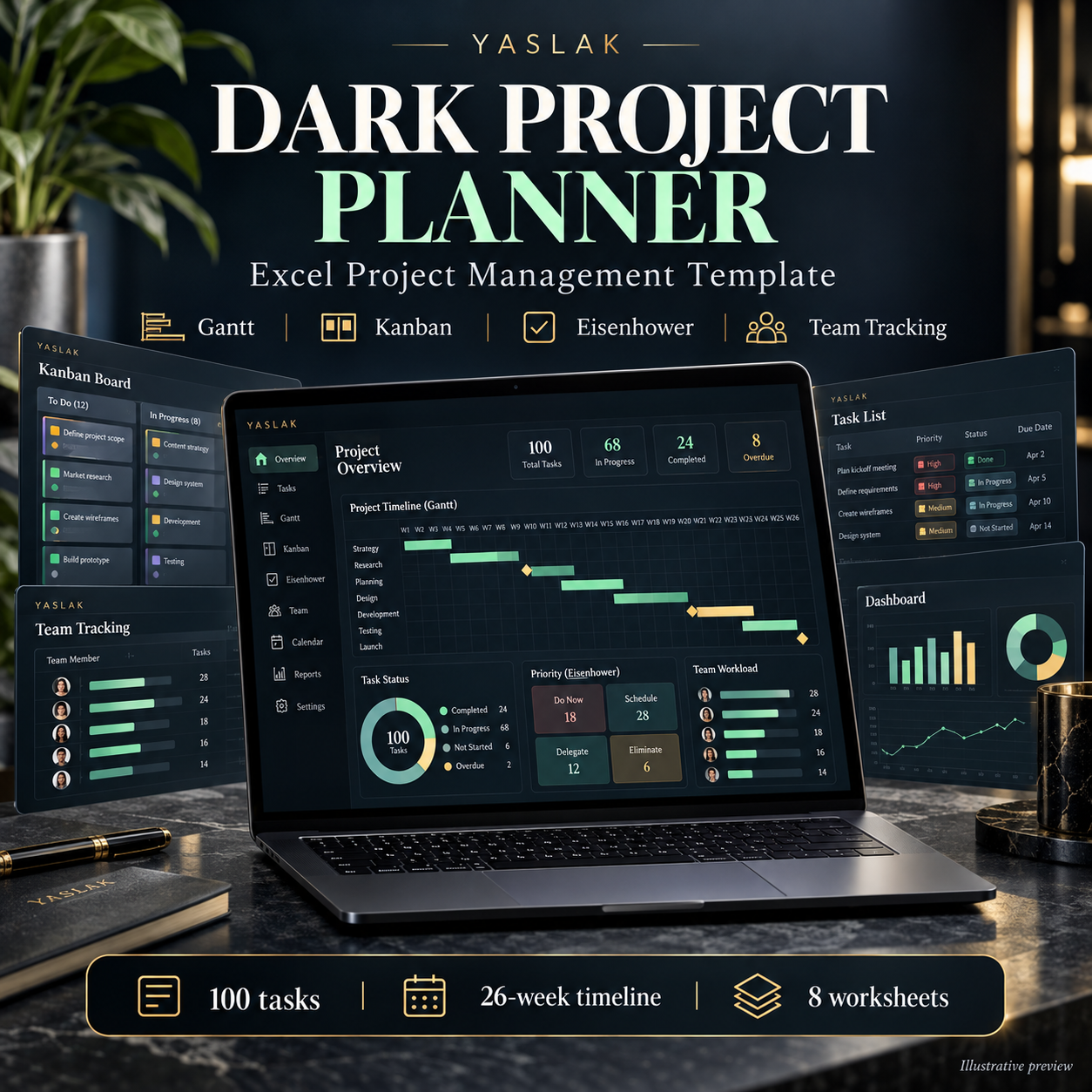
Bring your project tasks, priorities and team workload together in one editable dark-style Excel workbook. The YASLAK Dark Project Planner includes connected planning views and a worked website-launch example, so you can learn the structure before adapting it to your project.
What is included?
- Dashboard: total and completed tasks, overdue tasks, average progress, remaining estimated hours and input alerts.
- Task tracker: 100 preformatted task rows with owners, phases, start and due dates, status, progress, estimated and actual hours, importance, urgency and notes.
- Weekly Gantt: a 26-week calendar timeline linked to task dates.
- Kanban: five status lanes: Backlog, To Do, In Progress, In Review and Done. Cards update when you change the task status.
- Eisenhower matrix: prioritize open tasks using Do, Schedule, Delegate and Reduce.
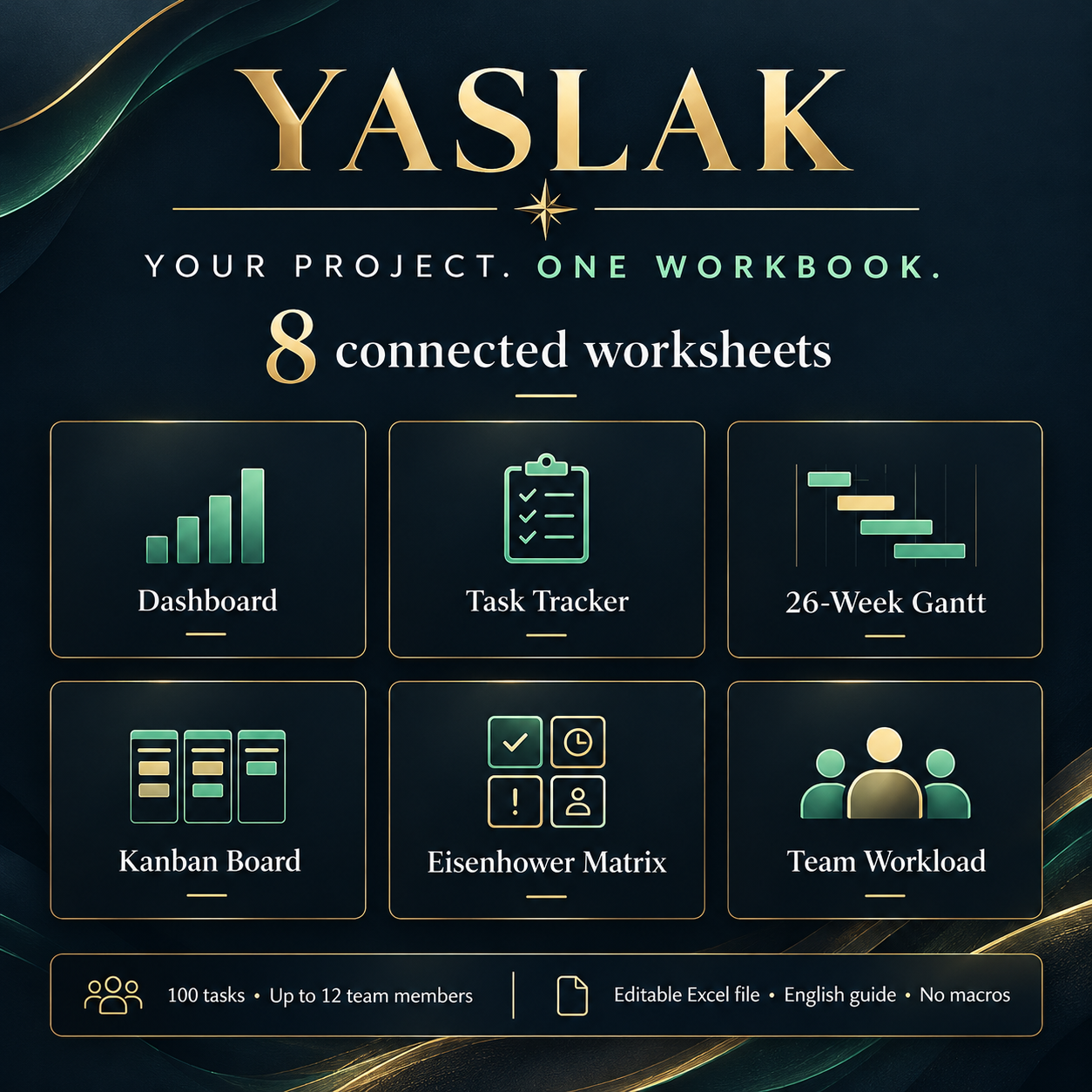
- Team workload: track assigned tasks and estimated remaining effort for up to 12 team members.
- Settings and guide: customize the project, review date, timeline start and board page, with English instructions.
Start in three steps
- Download and open the Excel workbook.
- Review the 15 fictional sample tasks and read the Guide tab.
- Save a copy, enter your team and replace the sample inputs with your project tasks. Preserve the formula columns and preformatted rows.
Your download
One editable .xlsx file containing 8 worksheets: Dashboard, Settings, Gantt, Kanban, Eisenhower, Team, Tasks and Guide. All workbook text and instructions are in English. Digital product; no physical item is shipped.
Compatibility and practical details
Designed for Excel 2019 or later, with ordinary formulas and no macros. The dark appearance is worksheet formatting. Kanban and Eisenhower show 10 cards per category per page; select pages 1–10 in Settings.
You may import the .xlsx file into Google Sheets, but live Google Sheets compatibility has not been verified. After import, check dropdowns, date formats, formula recalculation and Gantt colors. A native Google Sheets link is not included. Excel or a suitable spreadsheet application is required and is not included.
This template uses calendar dates and manual task updates. It does not include automatic dependency scheduling, critical path calculations, drag-and-drop cards or resource leveling. Dashboard progress is an unweighted average; remaining effort is an estimate based on entered hours and progress.
Product images are illustrative previews. The delivered workbook is the .xlsx file described above.

Reviews
There are no reviews yet.