
Plan your next project with confidence
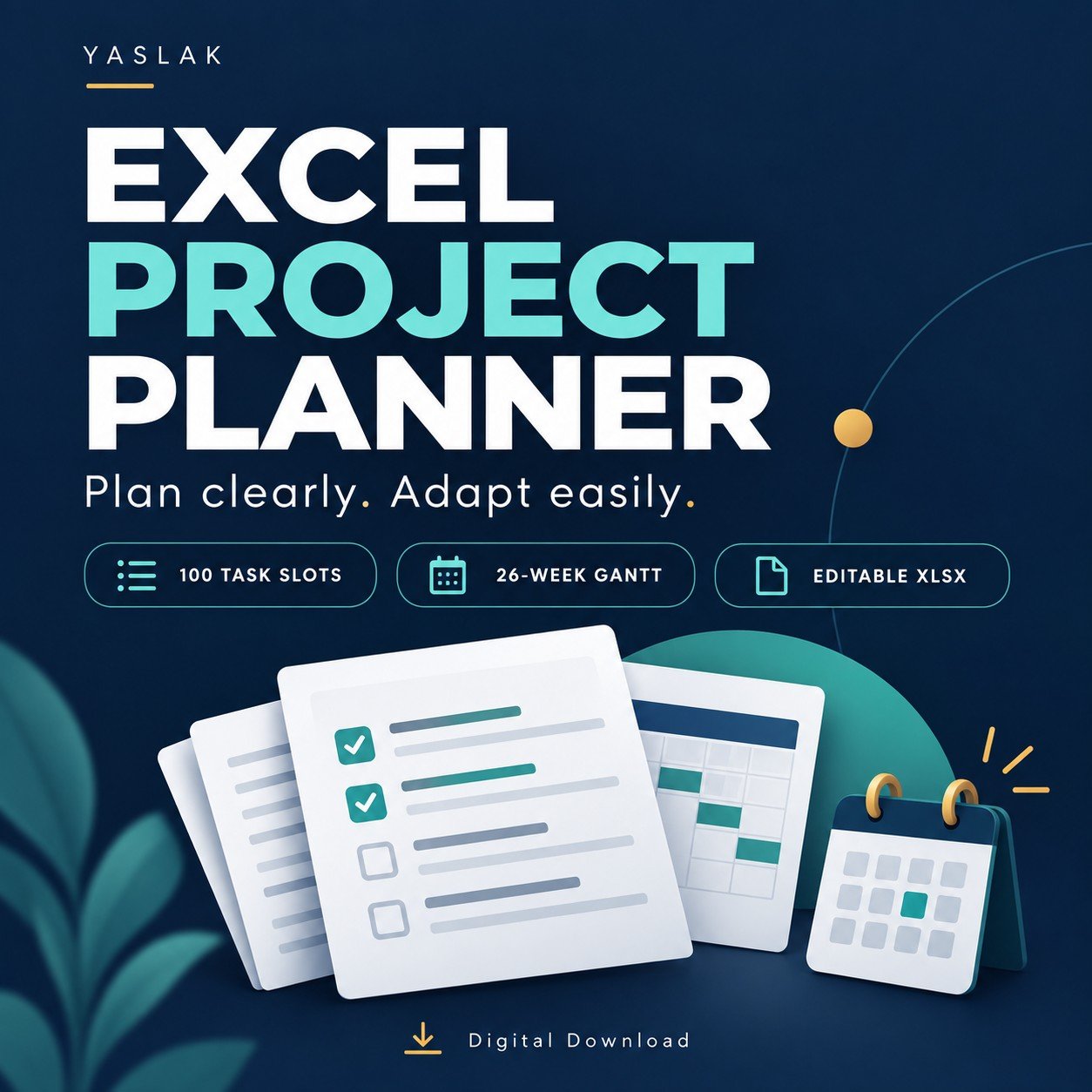
A simple, flexible Excel project planning template that helps you organize tasks, assign owners and see your schedule at a glance. Replace the example with your own project and edit the clearly marked input cells.
What is included
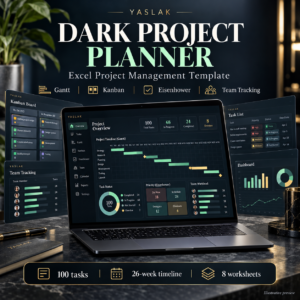
- Editable Excel workbook with 100 task slots
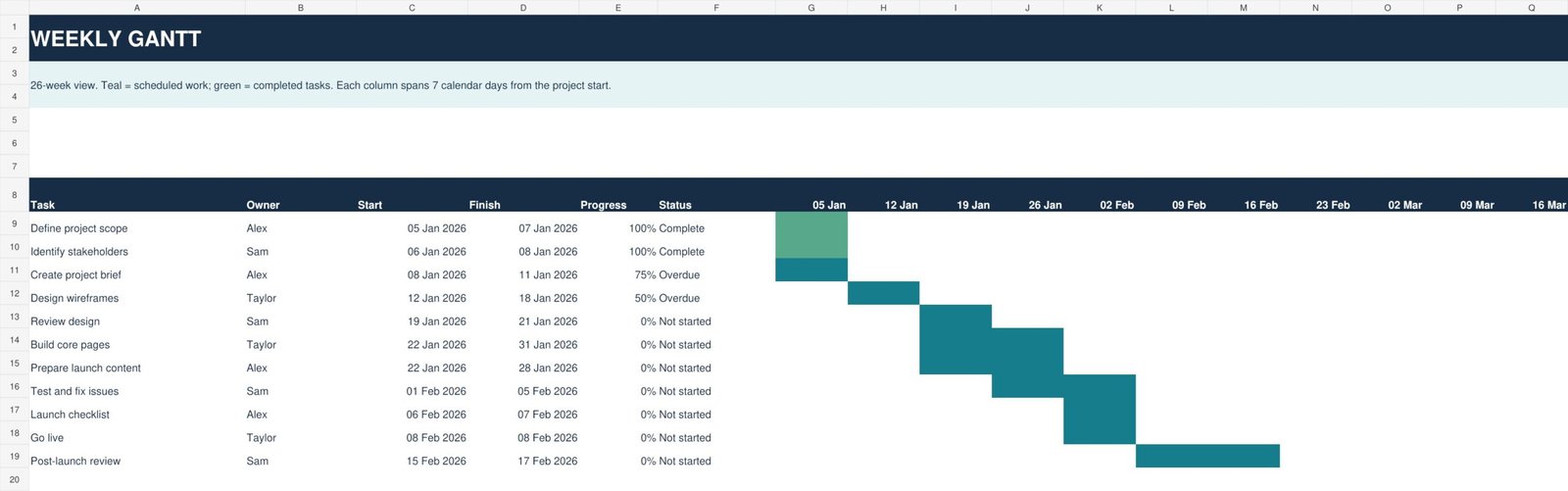
- 26-week Gantt view that updates from your task dates
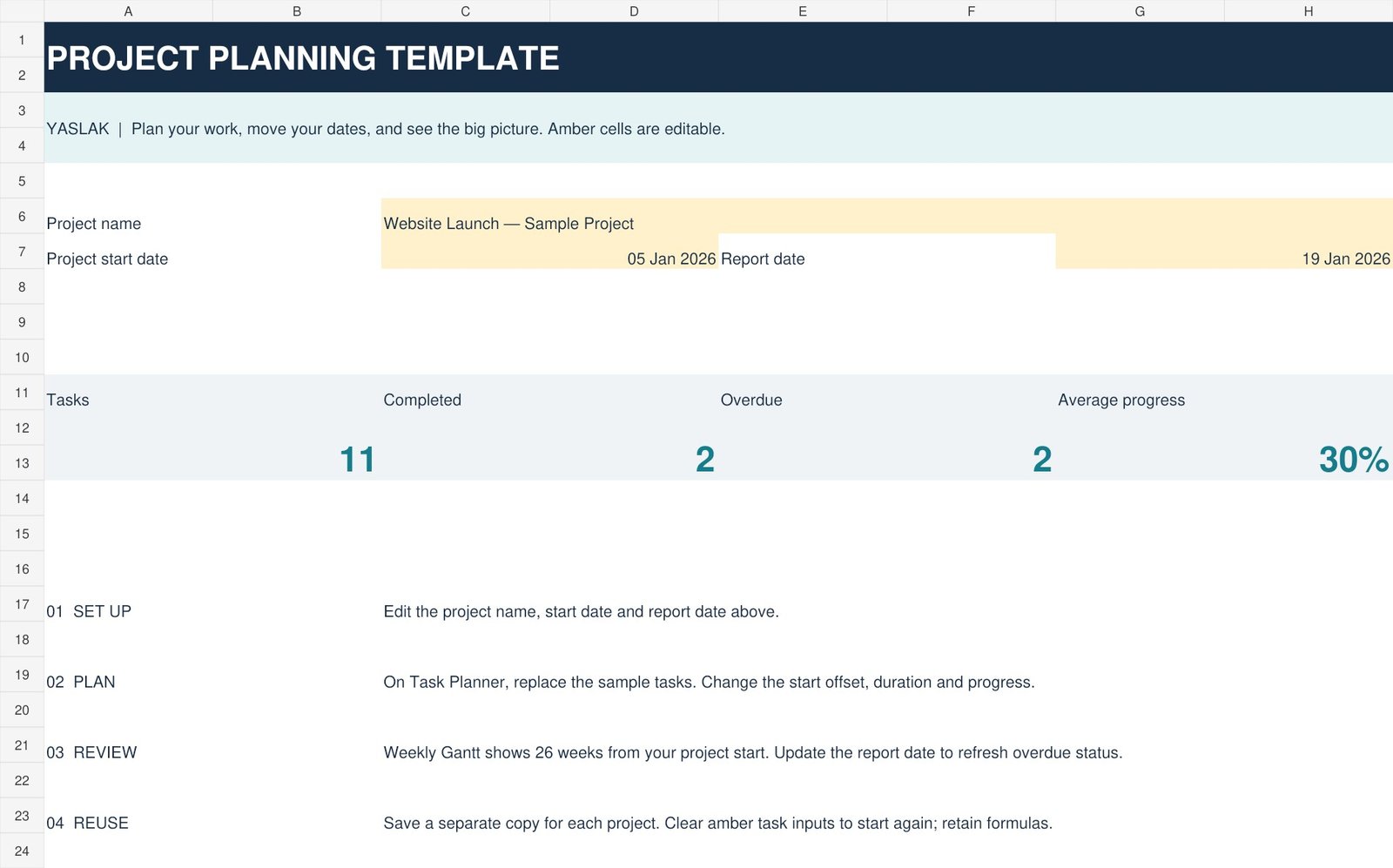
- Project overview with task count, completed tasks, overdue tasks and average progress
- Task fields for phase, owner, priority, start offset, duration, progress and notes
- An 11-task sample project and English instructions
- START_HERE quick-start guide
Easy to adapt
Change the project start date to shift your schedule. Rename phases, assign owners, adjust durations and update progress. No macros, add-ins or external links required.
Before you buy
This is a digital download: one ZIP containing an .xlsx workbook and a text guide. No physical item is shipped. All content is in English. Durations use calendar days, including weekends. The report date is entered manually. Dependency fields are reference notes and do not reschedule tasks automatically. The Gantt displays 182 days from the project start.
License
For personal use and internal business projects. Customize the file for your own work. Resale, redistribution and sharing as a standalone template are not permitted.
Reviews
There are no reviews yet.